
Client relationship intelligence for managed service providers
Your PSA tracks every ticket. It can’t see the client who’s quietly losing faith.
timetoreply reads the client email that happens outside your service desk — between your vCIOs, account managers, engineers and client decision-makers — and shows you which relationships are cooling long before the MSA comes up for renewal.
- Connects to Microsoft 365 or Google Workspace in minutes
- 14 days of history analysed on day one
- No change to your PSA or how your techs work
Trusted by 1,000+ B2B customer-facing teams
- SOC 2 Type II
- ISO 27001
- HIPAA compliant




The tickets look green. The relationship doesn’t.
Clients rarely leave an MSP over one outage. They leave after months of feeling unheard — and almost none of that shows up in your PSA, your CSAT scores or your NOC dashboards. It’s sitting in the inbox.
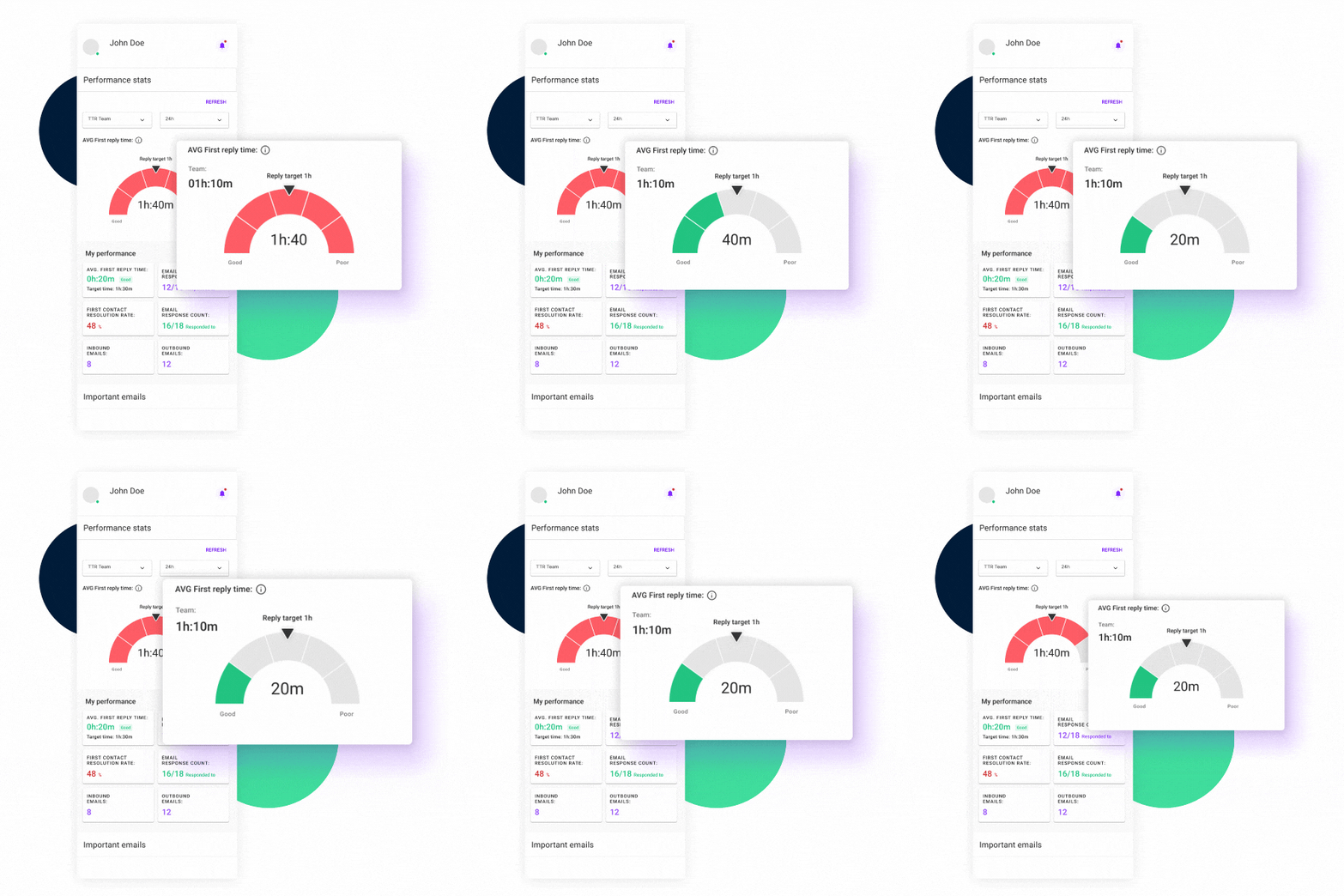
The email that skipped the queue
The client’s office manager emails “their” engineer directly. No ticket, no SLA clock, and nobody else knows it’s waiting — until it becomes a complaint.
The decision-maker who went quiet
The client’s MD stopped replying to your vCIO six weeks ago. Your PSA has no idea. You find out at the QBR — or when the termination notice arrives.
The frustration that never became a ticket
“This is the third time we’ve raised this.” Tone shifts, escalations and mentions of other providers live in reply chains, not survey scores.
Live in minutes. Nothing for your techs to learn.
01
Connect the mailboxes that matter
Account managers, vCIOs, engineers and shared inboxes like support@, projects@ and billing@ — via Microsoft 365 or Google Workspace. You choose which.
02
Every client conversation, read and measured
Response times, reply rates and volume by client, person and mailbox — plus sentiment, intent and urgency on every inbound email.
03
Act before it’s a problem
SLA countdowns and alerts inside Outlook and Gmail, and one live view for service leaders across every team and shared mailbox.
Keep your PSA. Cover what it can’t see.
ConnectWise, Autotask and HaloPSA are built for tickets. Your client relationships are built in email — with stakeholders who never log a ticket and conversations that never become one.
timetoreply sits alongside your PSA. No migration, no new queue, no change to how your engineers work.
Built for how MSPs actually work
Six places MSPs are losing revenue they can’t see
Protect MSA renewals
See which managed-services clients are showing rising friction, slower replies or disengaged decision-makers — while there’s still time to fix it.
Close the shadow-ticket gap
Measure response times on the emails that go straight to engineers and account managers, not just the ones that land in your service desk.
Hold account management to a standard
Responsiveness by vCIO, account manager and client. Know who’s on top of their book and who’s letting key contacts wait.
Win more project work
Quote requests and project enquiries are flagged by intent and urgency, so a migration or hardware refresh doesn’t go to a competitor while it sits unread.
Walk into QBRs with evidence
Show each client how fast your team responds to them, by mailbox and month. Turn “we’re responsive” into a number they can see.
Standardise service after acquisitions
Integrating acquired MSPs? Get one consistent view of client responsiveness across teams, brands and shared mailboxes from day one.
What happens when responsiveness becomes visible
7h → 2h
Cut response times in partner-support groups serving its technology channel.
Telarus · case study
62% → 86%
Of client emails answered within the same 8-hour working day.
Ontellus · case study
Free · no commitment
See your client relationships in 14 days of email
Connect a handful of account-management and shared mailboxes. We analyse the last 14 days of client email and walk you through what we find in a 30-minute review:
- Clients whose decision-makers are waiting on a reply
- Threads showing frustration, escalation or cancellation intent
- Response times by account manager, vCIO and client
- Client emails that bypassed your service desk entirely
SOC 2 Type II and ISO 27001 certified, and HIPAA compliant. You choose which mailboxes to connect and can disconnect at any time.
Questions MSPs ask us
Does this replace our PSA or ticketing system?
Do our engineers or account managers need to change anything?
How is our clients’ data protected?
How long until we see anything useful?
Which mailboxes should we start with?
The warning signs are already in your inbox.
Find out which client relationships need attention this quarter — before your competitors do.